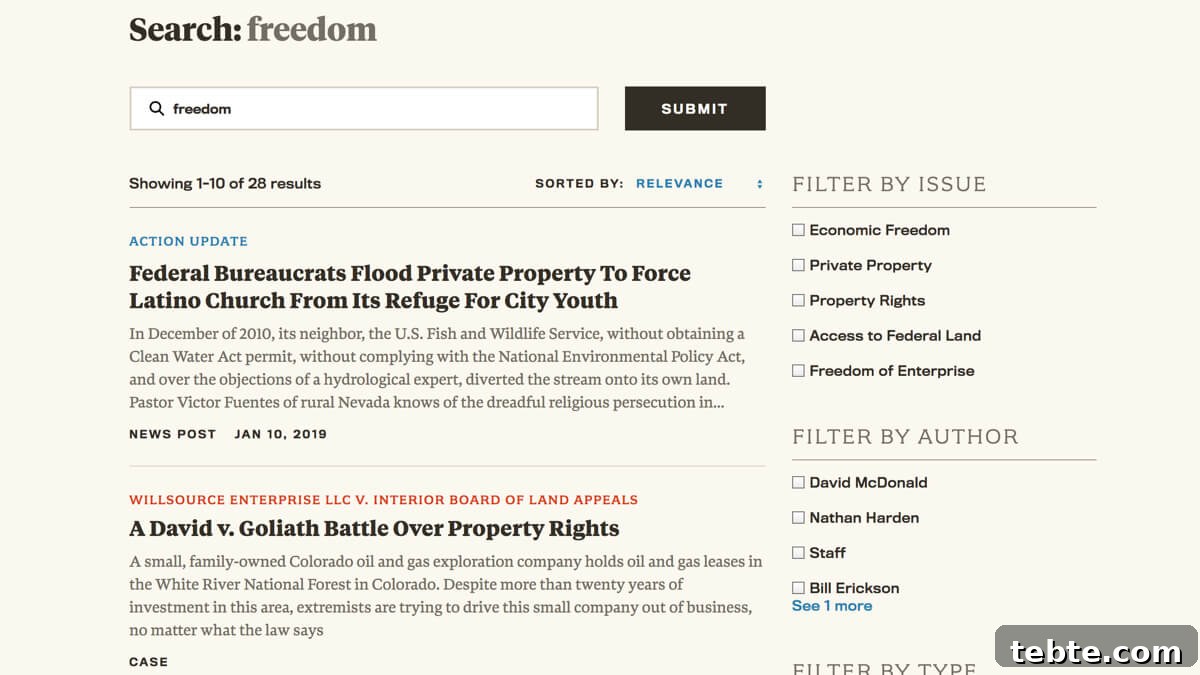
Yoast SEO allows you to set a custom meta title and meta description for each post or page. These fields are what appear in Google search results and browser tabs, and they’re often more descriptive than the visible page title or the default excerpt.
Because the Yoast meta title and meta description are typically more useful for search results, it’s a good idea to use them in your site’s on-site search results as well. Note: you may use another site search plugin for improved results, but do not rely on this article to recommend or link to specific third-party tools.
Yoast stores these values as post meta: the meta title uses the key _yoast_wpseo_title and the meta description uses _yoast_wpseo_metadesc. However, you should not output the raw meta values directly because Yoast supports template variables such as %%title%% that need to be replaced with actual content.
Use the function wpseo_replace_vars( $string, $post ) to replace Yoast’s template variables with real text. Also include a fallback so your site still shows reasonable titles and excerpts if Yoast is inactive or the custom fields are empty.
Template tags for title and excerpt
Add the following functions to your theme’s functions.php file or to a core functionality plugin. These provide safe, readable values for use in search results. Replace calls to get_the_title() and get_the_excerpt() with be_search_entry_title() and be_search_entry_excerpt() where you render posts in search results.
/**
 * Entry title in site search
 */
function be_search_entry_title() {
	$title = '';
	if ( function_exists( 'wpseo_replace_vars' ) ) {
		global $post;
		$title = get_post_meta( get_the_ID(), '_yoast_wpseo_title', true );
		$title = wpseo_replace_vars( $title, $post );
	}
	if ( empty( $title ) ) {
		$title = get_the_title();
	}
	return $title;
}

/**
 * Entry excerpt in site search
 */
function be_search_entry_excerpt() {
	$excerpt = '';
	if ( function_exists( 'wpseo_replace_vars' ) ) {
		global $post;
		$excerpt = get_post_meta( get_the_ID(), '_yoast_wpseo_metadesc', true );
		$excerpt = wpseo_replace_vars( $excerpt, $post );
	}
	if ( empty( $excerpt ) ) {
		$excerpt = get_the_excerpt();
	}
	return $excerpt;
}
If your theme is structured with template parts, such as in many starter themes, call these functions from the file that renders search results (for example, an archive or search partial). This ensures the search listings use the Yoast-provided title and description when available, falling back to the native title and excerpt otherwise.
For users of themes built on the Genesis framework, add the following code to functions.php so Genesis outputs your custom values in search contexts. The first filter replaces the post title shown in search results; the second action replaces the entry content with the custom excerpt output.
/*
 * Genesis: use search entry title
 */
function be_genesis_search_entry_title( $title ) {
	if ( is_search() )
		$title = be_search_entry_title();
	return $title;
}
add_filter( 'genesis_post_title_text', 'be_genesis_search_entry_title' );

/**
 * Genesis: use search entry excerpt
 */
function be_genesis_search_entry_excerpt() {
	if ( ! is_search() )
		return;

	remove_action( 'genesis_entry_content', 'genesis_do_post_content' );
	echo wpautop( be_search_entry_excerpt() );
}
add_action( 'genesis_entry_content', 'be_genesis_search_entry_excerpt', 9 );
These functions keep your on-site search results consistent with the titles and descriptions you define for search engines, while ensuring safe fallbacks if Yoast is unavailable. Implement them where your theme renders search listings to provide more relevant, descriptive results for your users.